Complete your partner profile
Your partner profile features your company on the Clonable partner page, so visitors to that page can find your company. A partner profile is optional and separate from your partner arrangements, such as the free Business plan. Open Partner profile under Partner area in the left-hand menu.
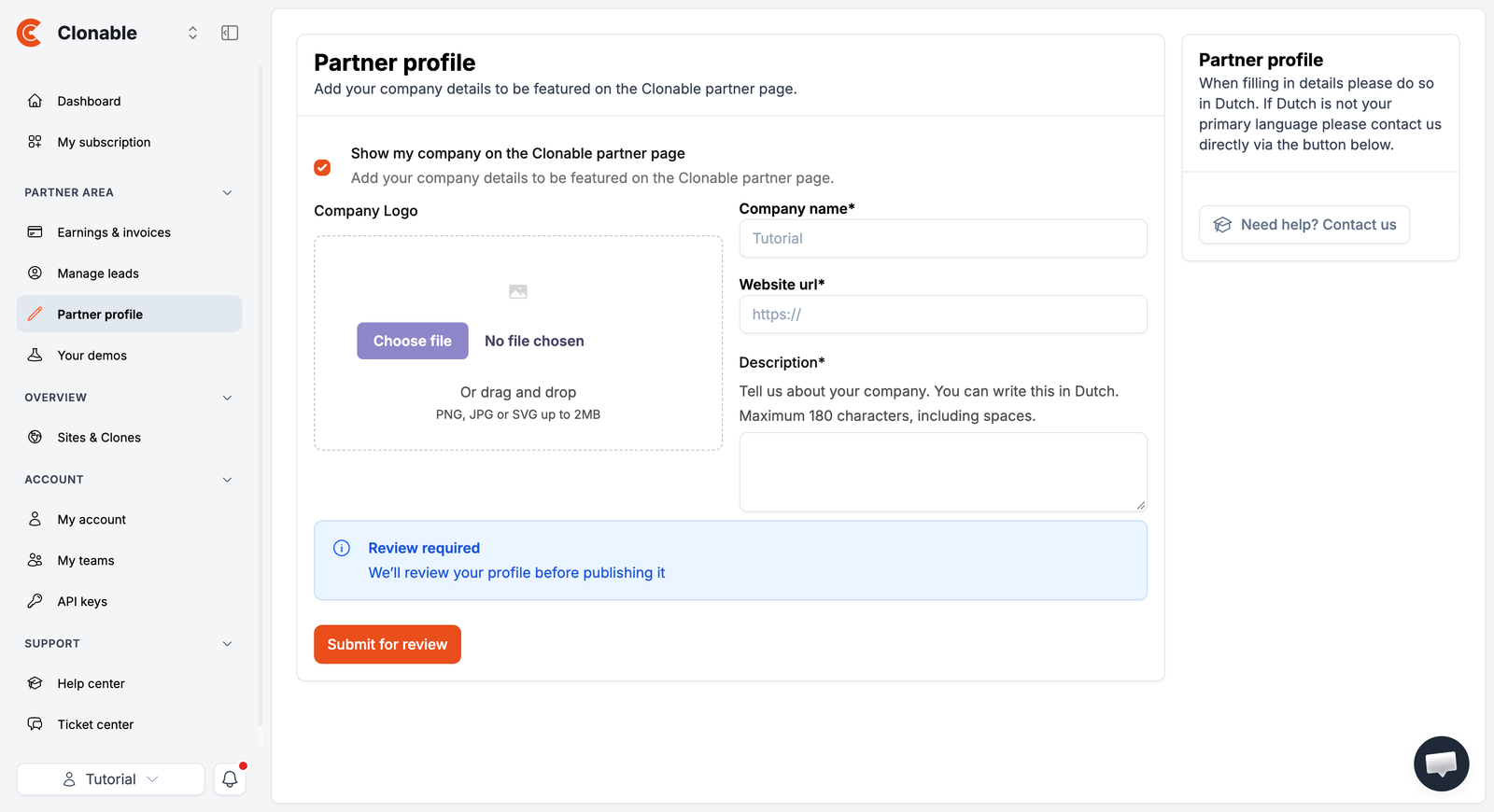
Fill in your profile
- Select Show my company on the Clonable partner page.
- Optionally, upload your logo under Company Logo: PNG, JPG or SVG, up to 2 MB.
- Fill in the required fields:
- Company name: your company name
- Website url: your website address, starting with
https:// - Description: a short description of your company, up to 180 characters including spaces
- Select Submit for review.
Write your profile in Dutch. If Dutch is not your first language, select Need help? Contact us on the right-hand side of the page.
After submitting
Clonable reviews your profile before it appears on the partner page.